
Royal Club for Teams2.1.0.0 - Get APK
You'll be able to download in few seconds.
Publisher Description

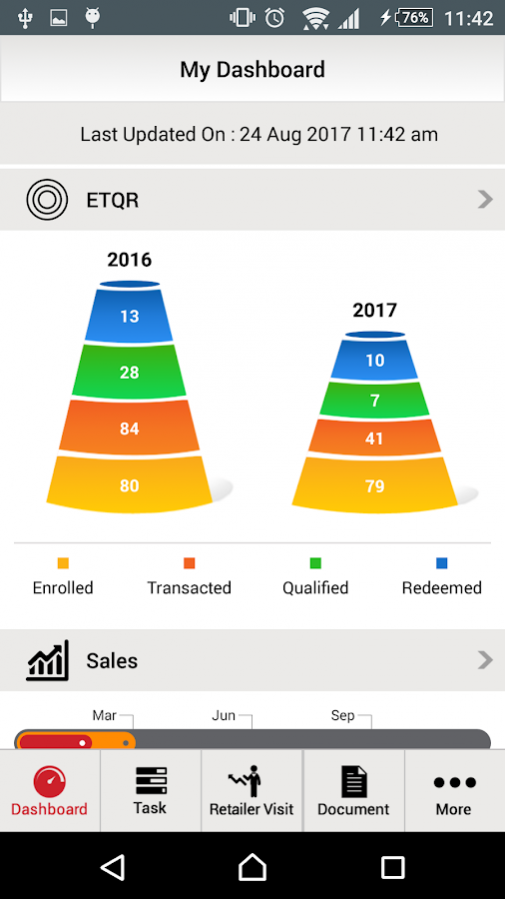
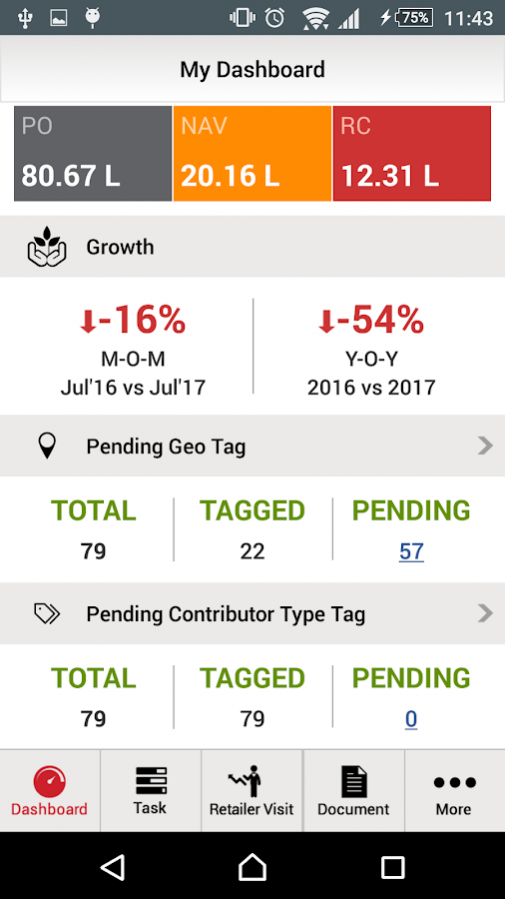
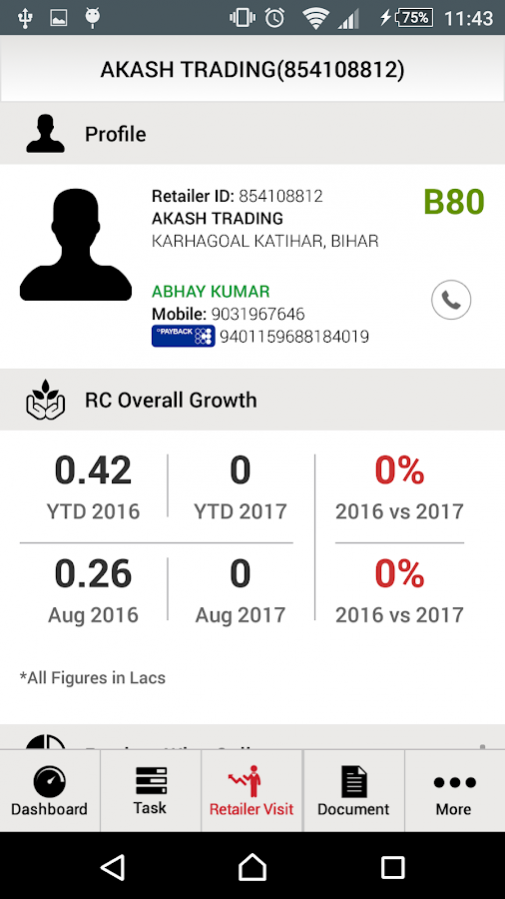
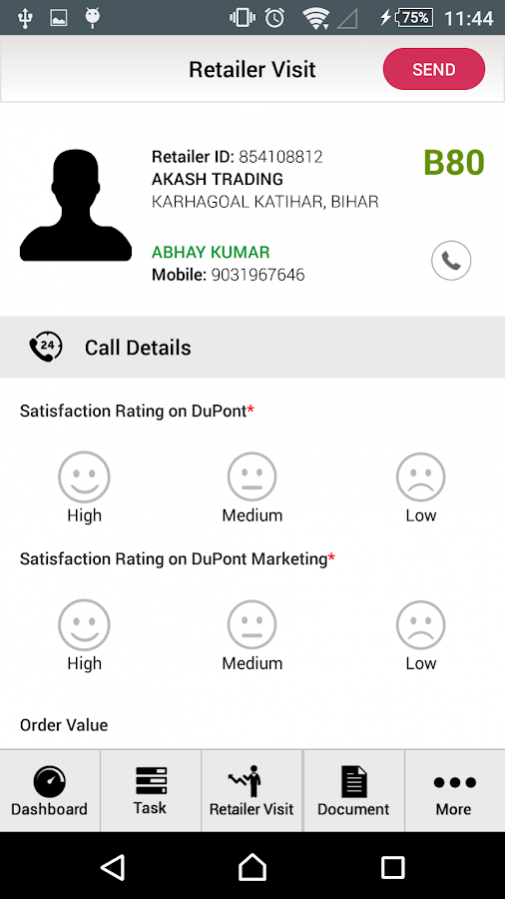
Red Club Program has following elements:
a. ENROLLMENT: FMC sales teams visits the retailer and enrolls him into Red Club (RC) program . Enrollment will be validated by SD after receipt of his enrollment fees. Upon validation, the retailer will receive his RED CLUB loyalty card and gifts catalogue as a welcome kit.
b. MONTHLY SALES DATA COLLECTION & VALIDATION: Each enrolled Retailer’s monthly product wise purchases are recorded and validated by the FMC sales team which forms the database for calculating all RED CLUB related rebate programs.
c. QUATERLY REDCLUB POINTS VALIDATION: Post Sales Validation the Super Distributor will do Distributor level Validation based on collections completed. Once cleared, the retailers of those distributors will receive loyalty points in their account corresponding to their verified purchase.
d. REDEMPTION: Retailer can redeem these points to buy gifts from the catalogue or purchase from other loyalty partners.
This particular Mobile Application will help the Sales Team to have retailer data on their Mobile for better sales and productivity.
About Royal Club for Teams
The company that develops Royal Club for Teams is RedClub. The latest version released by its developer is 2.1.0.0.
To install Royal Club for Teams on your Android device, just click the green Continue To App button above to start the installation process. The app is listed on our website since 2019-11-05 and was downloaded 0 times. We have already checked if the download link is safe, however for your own protection we recommend that you scan the downloaded app with your antivirus. Your antivirus may detect the Royal Club for Teams as malware as malware if the download link to com.redclub is broken.
How to install Royal Club for Teams on your Android device:
- Click on the Continue To App button on our website. This will redirect you to Google Play.
- Once the Royal Club for Teams is shown in the Google Play listing of your Android device, you can start its download and installation. Tap on the Install button located below the search bar and to the right of the app icon.
- A pop-up window with the permissions required by Royal Club for Teams will be shown. Click on Accept to continue the process.
- Royal Club for Teams will be downloaded onto your device, displaying a progress. Once the download completes, the installation will start and you'll get a notification after the installation is finished.
Program Details
System requirements
Download information
Pricing
Version History
version 2.1.0.0
posted on 2019-11-05
Red Club is now Royal Club for Teams!! We have introduced some new features in this update like- Upload KYC Documents, Check RPL Performance on dashboard.
version 2.0.0.3
posted on 2019-02-12
Bug-fixes and Notification Feature added
version 2.0.0.1
posted on 2017-11-24
Disclaimer
External Download
We do not host Royal Club for Teams on our servers. We did not scan it for viruses, adware, spyware or other type of malware. This app is hosted by Galad and passed their terms and conditions to be listed there. We recommend caution when installing it.
The APK Download link for Royal Club for Teams is provided to you by apps112.com without any warranties, representations or guarantees of any kind, so access it at your own risk.
If you have questions regarding this particular app contact the publisher directly. For questions about the functionalities of apps112.com contact us.
